Red Orb
Red Orb
  • Home
  • About
  • Consultations
    • Introductory Consultation
    • Problem Analysis Consult
    • Incident Response
  • Services
    • Quick Start Services
    • Cybersecurity Services
    • IT Operations Support
    • AI Operations Support
  • More
    • Home
    • About
    • Consultations
      • Introductory Consultation
      • Problem Analysis Consult
      • Incident Response
    • Services
      • Quick Start Services
      • Cybersecurity Services
      • IT Operations Support
      • AI Operations Support
  • Sign In
  • Create Account

  • Bookings
  • Orders
  • My Account
  • Signed in as:

  • filler@godaddy.com


  • Bookings
  • Orders
  • My Account
  • Sign out

Signed in as:

filler@godaddy.com

  • Home
  • About
  • Consultations
    • Introductory Consultation
    • Problem Analysis Consult
    • Incident Response
  • Services
    • Quick Start Services
    • Cybersecurity Services
    • IT Operations Support
    • AI Operations Support

Account

  • Bookings
  • Orders
  • My Account
  • Sign out

  • Sign In
  • Bookings
  • Orders
  • My Account

Incident Response and Recovery

When a breach happens, clarity and control matter more than anything else.

Immediate Actions During a Security Incident

After notifying Red Orb of your incident, take these immediate steps to preserve evidence, document

Document Incident Activity
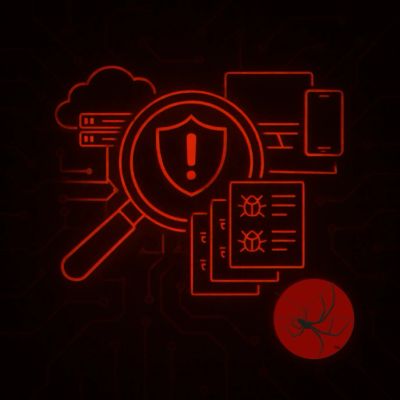
Create a timeline of events including:

  • when suspicious activity was discovered 
  • affected systems 
  • impacted accounts 
  • unusual emails 
  • alerts 
  • ransom notes 
  • suspicious logins

Save

  • screenshots 
  • timestamps 
  • user reports 
  • communications

Accurate timelines help reduce investigative delays and support faster recovery decisions.

Preserve Critical Evidence
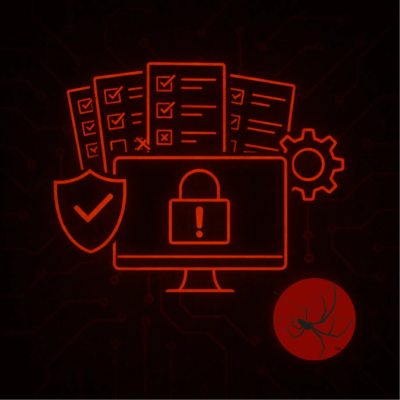
Preserve:

  • email artifacts 
  • firewall logs 
  • endpoint logs 
  • cloud logs 
  • screenshots 
  • malicious files 
  • suspicious messages

Do Not Delete:

  • logs 
  • inboxes 
  • files 
  • backups

Evidence loss can make it harder to identify root cause and scope.

Avoid Actions That Create More Risk
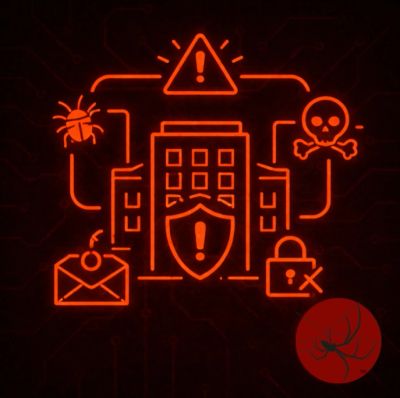
Do Not:

  • reimage systems 
  • wipe devices 
  • reset every password at once 
  • restore backups without validation 
  • shut systems down without documentation

Do Not Delete:

  • logs 
  • inboxes 
  • files 
  • backups

Uncoordinated recovery efforts often create secondary incidents.

Limit Additional Exposure
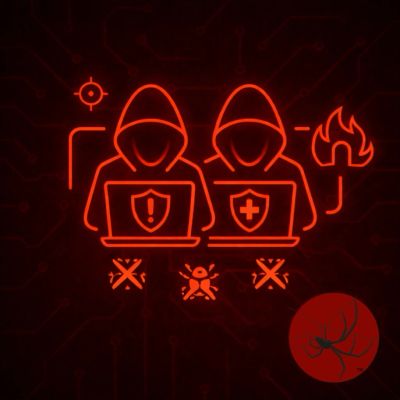
If systems are actively spreading malware or attackers maintain active access:

  • isolate affected systems 
  • disconnect compromised accounts 
  • restrict unnecessary access

Contain carefully without destroying evidence.

If you haven't already,

Contact Red Orb to help perform containment validation, recovery oversight, or incident analysis, 

Contact Red Orb

 Portions of Red Orb's content were generated with support from OpenAI’s ChatGPT and curated by Red Orb for accuracy and completeness. 


Copyright © 2026 Red Orb - All Rights Reserved.

  • About
  • Privacy Policy
  • Partners
  • Associations
  • Terms and Conditions

This website uses cookies.

We use cookies to analyze website traffic and optimize your website experience. By accepting our use of cookies, your data will be aggregated with all other user data.

Accept